
Make search ads lead to tour-worthy conversations
Wedding venue google ads tips are for venue owners and marketing teams who want better-fit tour requests rather than the largest possible number of form submissions. The direct answer is to connect search intent, ad wording, landing-page information, form questions and staff follow-up around the details that determine fit: event date, guest count, event type, location and genuine availability.
Google Ads can help a venue appear when people search for relevant spaces, but advertising cannot correct an unclear offer or a follow-up process that lacks the information needed to respond. Start with a current view of capacity, booking formats, package boundaries, unavailable services and the team’s ability to arrange tours. Mobile-friendly ads and pages matter because many planners begin their search on a phone. Outcomes vary, so judge progress by enquiry quality and tour progression rather than clicks alone.
1. Separate booking needs that require different answers
Do not combine weddings, private celebrations and corporate events in one undifferentiated campaign simply because they take place at the same property. A couple planning a ceremony and reception has different questions from an organiser seeking a meeting space. Separate campaign themes when the promise, capacity range, landing page, enquiry fields or staff route changes.
For wedding venue tour ads, begin with the booking formats the venue can describe accurately, such as ceremony and reception hire, reception-only celebrations, or another genuinely distinct offer. Do not create a campaign for an event type merely to widen reach if the team rarely accepts it or the page cannot explain it clearly.
Write a short campaign brief before building ads. It should state the event type, areas where planners are likely to come from, realistic guest-count guidance, key package decisions, restrictions that affect fit and the conversion that matters. This gives advertising and venue staff the same definition of a useful enquiry.
2. Build search themes around planning intent
Group keywords by what the planner wants to arrange, not by internal venue terminology. Relevant themes may include wedding venue hire, wedding ceremony space, reception venue or tour requests. Keep searches for unrelated suppliers, accommodation-only stays or venue types you do not offer out of a group when they need a different answer.
Review search-term patterns regularly. Negative keywords can exclude terms from Search campaigns and help concentrate ads on searches that matter to the venue. Add them carefully: negative keywords do not automatically cover every close variation, while too many exclusions can reduce relevant reach. Record the reason for each exclusion so it can be revisited when the offer changes.
Before adding a new keyword theme, read the destination page as a planner would. Someone searching for an intimate ceremony should not arrive at a page focused only on large receptions. Match the query, advertisement and page to one clear planning question.
3. Make the ad promise match the first page decision
Each ad should help a planner decide whether a click is worthwhile. State the actual occasion, the venue setting or location, and a truthful reason to request a tour. If capacity, date flexibility or package structure affects suitability, make clear that the page explains those points rather than suggesting a date is already available.
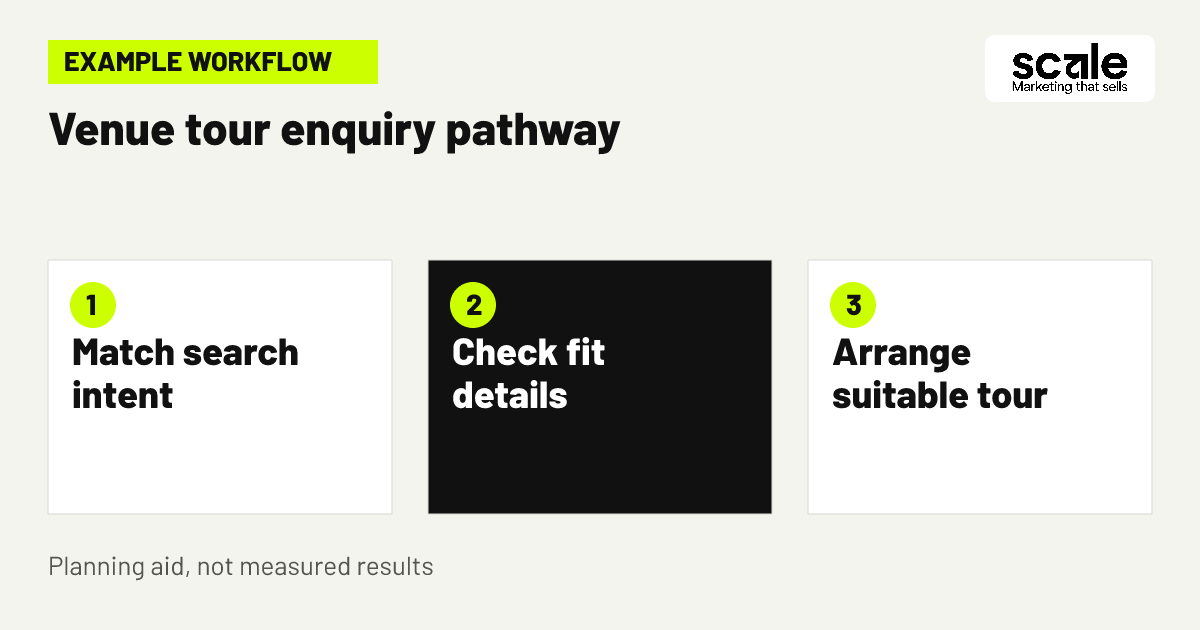
Example: A venue offering ceremonies and receptions creates an ad for couples planning a local wedding celebration. The linked page opens with the venue setting and booking format, followed by genuine images, capacity guidance, package categories and a request-tour form. The form asks for an event date, guest count and preferred tour timing. A visitor whose plans do not fit can see that early, while a suitable planner has enough context to enquire.
Check message match by reading the search phrase, ad and first screen of the page together. If an ad invites a tour but the page starts with a general gallery and no clear tour route, revise the page. If the page includes restrictions absent from the ad, make the distinction clearer or split the traffic.
4. Target places where suitable planners are likely to search
Choose locations based on where planners realistically live, work or begin their venue research, not solely on the venue address. A destination venue may reach selected planning areas, while a local venue may concentrate on nearby towns and cities. Base the choice on travel practicality, previous enquiry locations and the areas the team can serve honestly.
Google Ads allows targeting by selected geographic areas and, where available, radius settings. Location targeting uses signals and is not perfectly precise, and very small targets can limit delivery. Start with a manageable area, inspect the origins of useful and unsuitable enquiries, and expand only when the additional area produces plausible planning requests.
The landing page should always make the venue’s actual location clear. Reaching a person in another area does not mean the venue operates there. If distant planners commonly enquire, include useful access or travel context only when it reflects the real guest experience.
5. Discuss availability without implying a date is held
Date fit is often the quickest way to separate a promising request from an unsuitable one, but ads must not create false certainty. Use wording such as request a tour, discuss your plans or check whether your preferred date may suit. Avoid any phrase suggesting that a form submission reserves a date, confirms a package or commits the venue.
Explain the sequence on the page: submit key event details, receive a response from the team, then discuss a tour or next option where appropriate. This makes expectations clearer for planners and creates a consistent basis for staff replies. Avoid static availability claims that may be inaccurate by the time a visitor reads them.
Make the preferred date a required or strongly prompted field when it is essential to fit. A flexibility question can be useful where the team can offer alternatives. The aim is to request the smallest practical set of details needed for a meaningful conversation, not to create an intrusive form.
6. Answer fit questions before asking for contact details
Wedding venue ad landing pages should answer the questions that determine whether a tour makes sense before asking for personal information. Lead with the event format, venue setting and location. Then explain capacity guidance, package structure, restrictions that matter, authentic imagery and the next step to request a tour. Do not force visitors to search a general homepage for basic answers.
Design the page for straightforward mobile reading. Use a concise opening, legible copy, tap-friendly controls and a form that does not require unnecessary typing. A strong image gallery supports confidence, but it does not replace practical information about the space, booking format or guest numbers.
Use a page brief that staff can verify
A useful page brief identifies the booking type served, the real venue location, event-format boundaries, capacity guidance, package choices and what happens after a request. It also lists the required form fields and the team responsible for the reply. Review this brief whenever packages, restrictions or tour arrangements change.
Check factual claims before publishing
Ask the venue team to verify imagery, space descriptions, capacities, included areas and current restrictions before ads send traffic to the page. This check prevents advertising from creating requests that staff must immediately correct.
7. Qualify the request with only useful questions
Qualified venue enquiries begin with information staff can act on. For most wedding requests, ask for event date, guest count, event type, contact details and a preferred response method. Add ceremony and reception requirements only when they affect suitability. A free-text note can provide helpful context, but it should not replace the fields used to route and prioritise the request.
Long forms can create friction, yet very short forms that omit the date and guest count leave staff unable to judge fit. Assess the balance by checking whether a submitted form gives the team enough information for a useful first reply. Do not assess it only by the number of completions.
Explain why each detail is requested in plain language. Use only information needed to handle the enquiry, obtain appropriate permission before promotional follow-up and clearly explain how contact details will be used. Clear data handling also reassures planners who are deciding whether to submit the form.
8. Align ad hours with tour and response capacity
Campaign timing should reflect when the venue can provide a helpful response and genuinely arrange tours. Review staff coverage, normal tour windows and whether one team handles weddings alongside other event requests. If enquiries arrive when no useful response can be given, improve acknowledgement and routing before expanding advertising exposure.
Ad schedules can limit when campaigns are eligible to show. Manual bidding approaches may support schedule adjustments, but the appropriate action depends on the campaign’s bidding setup. Check the current configuration before assuming a manual adjustment will apply. With automated bidding, Google notes that manual schedule bid adjustments are not used, although the schedule itself is respected.
Create a response plan that names who receives a request, what they confirm, when they offer a tour and how they record an unsuitable enquiry. A reviewed follow-up process can share relevant package information and help route requests, while people remain responsible for decisions and exceptions.
9. Give tour-specific searches their own route
A person searching specifically for a viewing or tour may be closer to action than someone researching venues more generally. Where budget and search demand support it, create a distinct tour-focused route with copy that explains what a request involves. Send visitors to a page where date, guest count and preferred viewing time are easy to find.
Do not assume that a request for a tour is automatically suitable. The form and staff review should still establish whether the event style, expected guest numbers and preferred date may fit. A tour-specific path works because it meets the visitor’s immediate need while collecting the details needed for an appropriate reply.
Evaluate the route by later actions, including whether requests have the required details and become workable tour conversations. If many requests omit dates or core planning information, strengthen the page explanation and form before changing the keyword theme.
10. Label why unsuitable enquiries do not progress
Not every poor-fit enquiry means the campaign is wrong. Some requests concern dates that are unavailable, guest counts beyond capacity or events the venue does not host. Use consistent staff labels for these reasons. The record helps distinguish targeting problems from unclear page content, shifting availability or ordinary limits on what the venue can accept.
Use recurring patterns to decide what should change. Repeated enquiries for an event type you do not provide may call for clearer wording and carefully considered negative keywords. Repeated requests for unavailable dates may instead warrant a clearer availability conversation or a date-flexibility prompt. These are different causes and need different responses.
Do not discard a useful search theme simply because every date cannot be accepted. The better question is whether it brings planners whose requirements could fit at a viable time, not whether every completed form becomes a booking.
11. Let real spaces and package clarity filter interest
Use authentic images of ceremony areas, reception layouts and relevant venue features, supported by captions that explain what visitors are seeing. Avoid stock scenes or photographs that imply a view, room, inclusion or layout a booking will not receive. Real detail helps planners decide whether to request a tour for the right reasons.
Package information need not list every operational detail on an advertising page. It should explain the meaningful choices: suitable event formats, spaces included or optional, capacity boundaries, timing considerations and the route to ask for a tailored discussion. Clear context reduces avoidable confusion without hiding key limits.
Before changing seasonal messaging or package wording, ask the venue team to confirm the claims, imagery and restrictions. This review is especially important when availability, spaces or service arrangements have changed since the page was last updated.
12. Connect enquiry stages to the original campaign
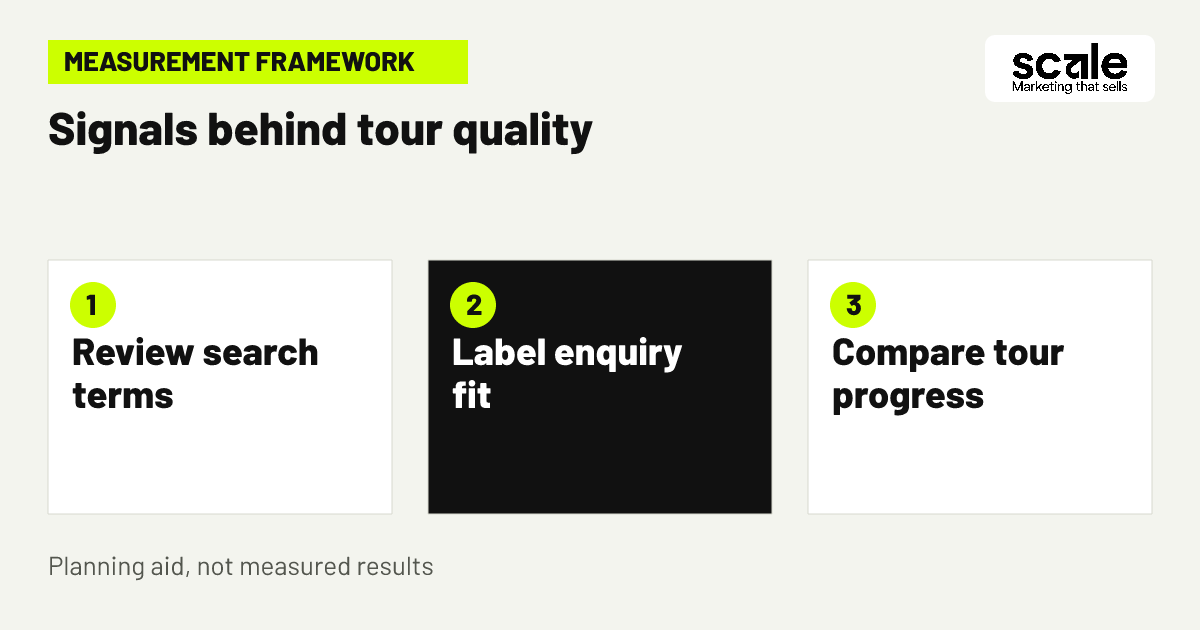
A completed form is an early signal, not the final definition of success. Give staff a simple way to record whether an enquiry included essential details, matched capacity and event type, and progressed to a tour discussion. Where systems allow, connect these stages to the originating campaign or landing page while restricting personal-data access to people who need it.
Venue tour conversion tracking should distinguish between a submitted request, a request with usable planning details, a staff-reviewed qualified opportunity, a scheduled tour and a completed tour when those stages can be recorded consistently. Define each stage before configuring tracking so a thank-you-page view is not confused with staff-reviewed fit.
Example: A monthly review finds that one page produces many forms but staff frequently mark them as missing an event date. Make the date request clearer and test the form route first. Do not automatically increase spend, replace every keyword or assume the campaign has failed.
Keep measurement definitions usable
Use short definitions that advertising and venue teams interpret in the same way. For example, a qualified request can mean one with a stated date, realistic guest count and supported event format. Review the definition when the venue changes what it can host.
Test the complete tracking path
Submit a test request, confirm that it reaches the correct team, check that fields are retained and verify that the recorded stage can be related to the relevant campaign. Repeat this after changes to forms, routing or tracking.
Marketing mistakes that create busy but weak pipelines
A common mistake is optimising for clicks or raw form volume because those numbers are easy to obtain. This can reward generic ads and pages that omit fit information. Diagnose the issue by comparing submitted forms with staff notes about date, guest count, event type and tour suitability. If the gap is large, improve qualification before making broad budget changes.
Another mistake is sending every visitor to one generic venue page. The result is vague advertising and reporting that cannot reveal which booking need produces useful opportunities. Read a sample of ads and ask whether each has one clear audience, promise and destination. Split campaigns only where the planner’s question and next action genuinely differ.
Treating tracking as a one-time technical task is also risky. Changed forms, duplicated events and inconsistent staff labels can distort decisions. Test the full journey after updates, investigate sudden shifts and keep a record of significant account or page changes.
Measure fit, progression and friction before scaling
Use a measurement view that follows the journey. Ad visibility and clicks indicate whether ads reach searchers; landing-page engagement and form starts suggest whether the offer is understood; completed requests show initial action; and staff-reviewed fit and tour progression show whether enquiries are workable. Each signal answers a different question, so none should decide the account alone.
Review search terms alongside campaign, location, landing-page and staff-qualification data. Many unsuitable requests can indicate mismatched search intent, weak exclusions or missing restrictions on the page. Many form starts with few completions can indicate an unclear next step, a difficult form or a mismatch between ad and page. A large gap between submissions and qualified venue enquiries calls for a review of missing fields and disqualification reasons.
Prioritise work in order: fix inaccurate information, tracking faults and broken routing first; address recurring search mismatches and qualification gaps next; then test broader geography, different messages or additional investment. Keep a change log stating what changed, why it changed and which downstream signal should improve.
Conclusion: choose clarity over raw enquiry volume
The strongest wedding venue advertising system accurately presents the space, directs each planning need to a relevant page, requests the details that establish fit and measures whether requests progress toward appropriate tours. Search ads, landing pages and follow-up should use the same honest definition of a worthwhile opportunity.
Choose one campaign theme with a clear offer and a team ready to review requests. Audit its search terms, ad promise, landing page, form fields, handoff and outcome labels in one session. Make the smallest change that removes the clearest source of poor fit, then review the quality of later enquiries before extending the approach.
Related resources
Wedding & Event Venues Marketing · Google Ads Management · SEO Services · AI Implementations