
How can SaaS ads produce more suitable demo requests?
SaaS Google Ads tips are most useful when they help a team trade raw form volume for conversations with people who can use, buy and implement the product. This guide is for SaaS founders, growth teams and demand-generation managers running search ads for a sales-led product or a higher-consideration trial. The direct answer is to align the search query, ad promise, page evidence, request path and sales feedback around one shared definition of fit.
Paid search is not suitable as a shortcut when the product, target customer and demo purpose remain unclear. It is better suited to a defined offer with a real buyer problem, a page that can explain the product honestly and a team able to record what happened after a request. Self-serve products may send some ready users to a trial, while sales-led products may reserve demos for accounts that need a conversation. Outcomes vary, so do not treat every submitted form as equal.
1. Define a good demo before optimising lead volume
Write a working qualification statement before changing the account. Include the job role or team, the problem they are trying to solve, the expected use, relevant company context and the reason a conversation is appropriate now. Avoid using personal details that sales cannot use consistently. This statement gives marketing and sales one basis for deciding whether a request was useful.
For example, a platform built for multi-team approval workflows may define a good demo as a buyer evaluating a repeatable process with several participants, rather than any individual searching for a free template. Review a sample of accepted, declined and unanswered requests with sales. If the reasons cannot be described plainly, campaign optimisation will chase an unreliable signal.
2. Split search campaigns by buying problem and readiness
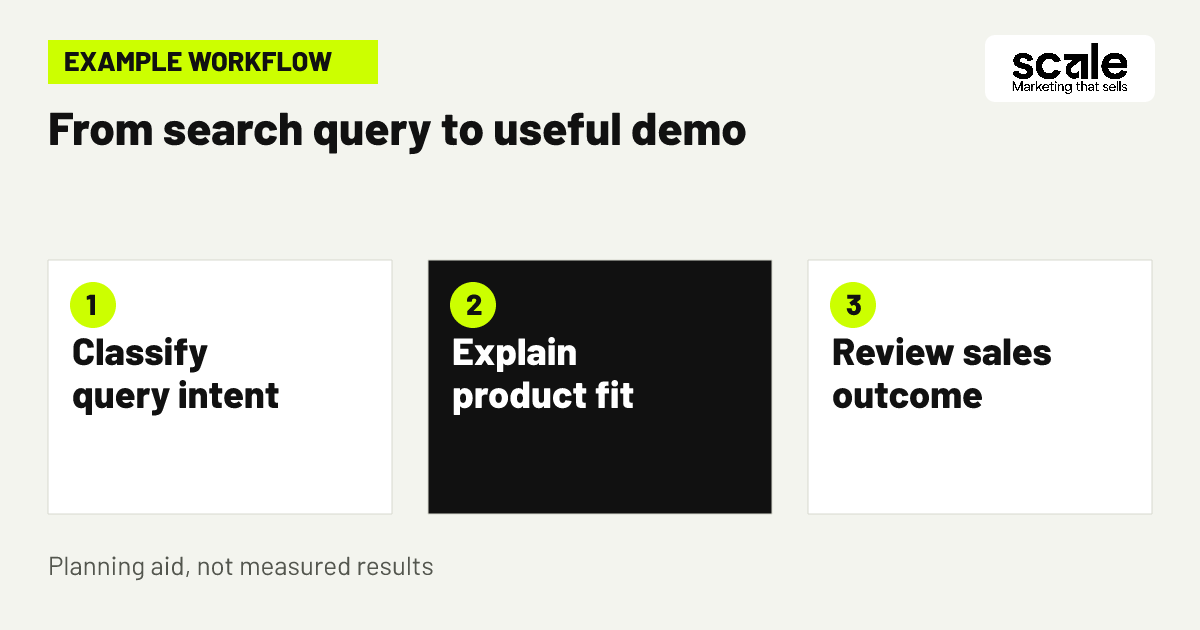
Group terms by what the searcher is attempting to do. Searches naming a software category, a replacement, an integration need or a specific operational problem can deserve separate campaign or ad-group treatment when their pages and calls to action differ. Keep educational searches apart from terms that indicate an active shortlist. This makes it easier to see where weak demo quality begins.
Create a short mapping brief for every cluster: the query theme, target buyer, problem language, product capability to explain, page, requested action and disqualifying condition. A comparison query may need a page explaining differences and limitations; a broad how-to query may be better served by useful content or excluded if a demo is not a sensible next step. Check search terms and sales notes after launch, not only clicks.
3. Build demo request keywords from real sales language
Build demo request keywords from phrases used in discovery calls, lost-deal notes, product documentation and customer-facing conversations. Prioritise language that names a business problem, category or buying task your product handles. Include terms that indicate evaluation only when the landing page can answer the comparison question without making claims it cannot support.
Example: a SaaS team selling software for approval workflows separates searches for workflow approval software, approval process platform and replace approval spreadsheets from searches for approval workflow jobs or approval email template. The first group can lead to a demo page that explains team use; the others require a different resource or exclusion. Judge the groups by later sales disposition, not by form completion alone.
4. Make the ad qualify instead of merely attracting clicks
Use the ad to state the specific problem solved, the intended business context and the next action. Mention a meaningful product boundary when it prevents a mismatch, such as the team type, workflow scope or implementation context. This can reduce curiosity clicks from people seeking a different tool and prepares suitable visitors for what the demo will cover.
Keep the promise consistent with the destination page. If an ad talks about replacing a manual approval process, the page should show how the product supports that process, who participates and what a prospective buyer can assess in a demo. Review search queries beside ad copy and sales outcomes. A high click rate paired with poor-fit requests can mean the wording is broad or ambiguous.
5. Use negative keyword strategy to protect sales time
A negative keyword strategy should remove searches that are clearly incompatible with a sales conversation, not simply any term that has not produced a lead. Look for support requests, careers, training, definitions, free-download intent, consumer use or adjacent tools your product does not provide. Add exclusions at the narrowest sensible level so a useful business query is not blocked by a sweeping account-wide list.
Google Ads supports broad, phrase and exact negative keyword types for Search, and these exclusions do not automatically cover close variants. Review singular forms, plurals and meaningful synonyms when excluding a theme. Check the search-terms report alongside sales reasons for rejection, then recheck whether a new negative blocks relevant demand. Too many exclusions can restrict legitimate reach.
Separate universal exclusions from campaign-specific ones
Place universally irrelevant themes, such as career searches or support logins, in a carefully governed shared list when they never represent a prospect. Keep product-specific exclusions inside the relevant campaign when another product line, market or query theme could still be valuable.
A practical review rule
Do not add an exclusion solely because one lead was unsuitable. Confirm the intent pattern, inspect the full query wording and compare it with the product’s stated fit. Record why the term was excluded so the team can revisit the decision if strategy changes.
6. Show fit and limits on paid search landing pages
Paid search landing pages should answer the questions a serious buyer needs answered before they give up time: what the software does, who it is designed for, the problem or workflow it supports, what a demo will cover and what happens next. Use clear product language rather than generic transformation claims. Where an important limitation exists, describe it accurately enough to prevent a misleading request.
Put the primary call to action after the core fit information, with a secondary route for people who need to learn first. A visitor comparing options may need an overview of use cases and integration limits; a visitor with immediate category intent may be ready to request a conversation. Check page recordings or feedback where available, form abandonments and the reasons sales gives for unsuitable requests.
7. Ask only qualification questions sales will use
A demo form should collect the minimum context needed to route and prepare a useful conversation. Good candidates are role, company name, team size range, use case, current approach and a work email field when appropriate. Every question needs an owner and a purpose. If sales never consults a response, remove it; if sales repeatedly lacks a key context, test a clearer question.
Do not turn the form into a barrier for people with a legitimate buying need. Use a required question when it separates genuinely different routes, such as a self-serve trial versus a guided evaluation. Put privacy wording and consent handling through the team’s normal review process. Diagnose a form that lowers completion but does not improve acceptance as friction rather than qualification.
8. Match the requested action to the buyer stage
Not every SaaS searcher should be asked to book a demo. Offer a guided conversation for buyers assessing a complex fit, a trial route for people able to evaluate independently, or a useful product explanation for early researchers. The right choice depends on the product’s route to revenue and whether the business can activate a user without sales help.
Keep conversion reporting separate for these actions. A trial start is not evidence of an active user, and a booked call is not automatically a real opportunity. On a category page, make the routes explicit: request a tailored conversation if the buyer needs workflow advice, or start a product evaluation if the product is designed for self-service. Review which path produces appropriate next-stage activity.
9. Target the markets your sales process can support
Set locations around where you can sell, support and follow up, not around the office location by default. A SaaS business serving several countries may need different campaigns, messages or pages where language, buying process or product availability differs. Keep location choices aligned with sales coverage and page language so a request can receive a relevant response.
Location signals are not perfectly precise, so evaluate actual request location and sales fit rather than assuming a setting solves every mismatch. If only a few markets have active coverage, start with those and expand only after the team can assess quality. Avoid extremely narrow targets merely to force precision, because they can limit delivery.
10. Schedule ads around a credible response path
Use ad scheduling to support the response experience you promise. If the page invites a same-day conversation, make sure there is a workable follow-up path during the advertised window. If requests are accepted at all times, set expectations honestly about when someone will respond. The point is not to assume one hour is always better, but to avoid generating demand that goes unattended.
Check campaign settings before assuming manual timing changes will affect bids. Google Ads documentation notes that automated bidding does not use manual schedule bid adjustments, though it follows the days and times set in an ad schedule. Compare quality by time period only after enough sales feedback exists, then test scheduling decisions against the agreed qualified-demo definition.
11. Feed sales dispositions back into campaign decisions
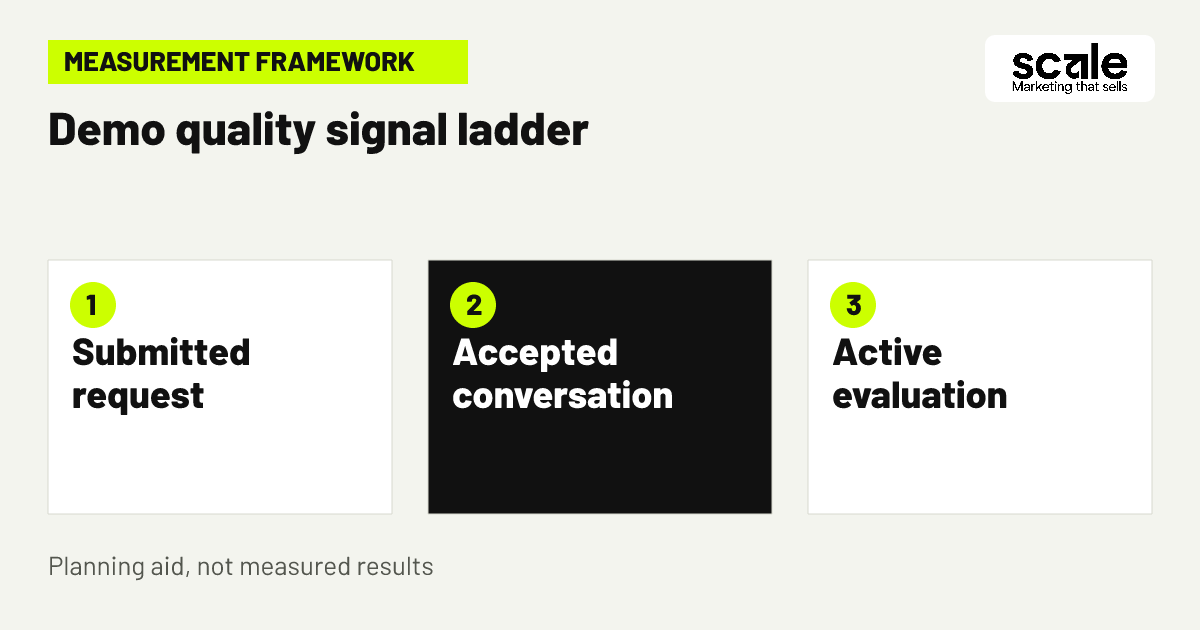
Create a small, consistent set of outcome labels shared by marketing and sales, such as accepted conversation, poor-fit product need, student or job seeker, competitor or vendor, no response, active evaluation and later-stage opportunity. Sales should be able to select the reason without writing a long explanation. Marketing can then compare query themes, pages and requested actions against outcomes that matter.
Review disputed labels together. A request tagged poor fit because it was small may still reveal a viable self-serve audience, while a request labelled no response says little about product fit. Connect records using an agreed identifier and acknowledge missing matches instead of forcing certainty. This feedback loop is what lets paid search optimisation move beyond the cheapest form submission.
12. Test one conversion-quality hypothesis at a time
Choose a single reason for each test: clearer product boundaries in the ad, a revised use-case section on the page, a new qualification question or a refined keyword cluster. Write the expected quality change, affected campaign, audience, measurement window and guardrail before publishing. Avoid changing copy, targeting, form fields and follow-up simultaneously, because no one can explain which change affected the result.
Example: if sales reports that requests from a broad category group expect a different type of software, test an ad and page that name the intended workflow more precisely. Keep the rest of the route stable, inspect the exact search terms and compare sales dispositions. Retain the change only if the evidence supports better-fit conversations without introducing a material new issue.
Marketing mistakes that create low-quality SaaS demos
The most common mistake is optimising to a completed form while treating every completion as equal. Others include using broad product language that hides the actual use case, sending every query to a generic homepage, excluding terms before understanding their intent and asking sales to qualify leads without returning the reason. These choices can make platform reporting look tidy while the sales calendar becomes less useful.
Diagnose the route in order: inspect the exact search query, read the matching ad, view the page and form, then inspect the sales outcome. If poor fits arise from unrelated queries, refine targeting and exclusions. If they come from relevant queries with wrong expectations, improve the ad and page. If relevant visitors abandon the form, question the ask or the field design rather than immediately increasing traffic.
Measure quality from search term through sales conversation
Track a chain of signals: search query or keyword theme, ad and landing-page route, request submitted, qualification outcome, attended conversation where relevant, active evaluation or open opportunity, and signed customer record where the business can reliably connect it. Keep open opportunities separate from completed customer outcomes. This allows campaign decisions to reflect the long SaaS buying process without pretending all records are perfect.
Prioritise fixes by finding the earliest weak link with a repeated pattern. Many irrelevant queries point to keyword and negative-list work. Suitable visitors who do not request a conversation point to message, page or offer friction. Many requests rejected for the same need point to insufficient fit disclosure. A small number of accepted requests with later stalled deals may require a separate review of buyer readiness or sales process, not an ad change.
Use a regular review that brings together marketing, sales and the person responsible for customer records. Compare themes, not isolated leads, and write down each decision: retain, refine, exclude, change the page or test a different action. That creates an auditable learning process and keeps budget decisions tied to the company’s definition of a valuable conversation.
What each signal means
A high volume of search impressions is an exposure signal, not a quality signal. A submitted request indicates intent to continue, while an accepted conversation indicates a closer match to the agreed buyer definition. An active trial or qualified opportunity may be more meaningful, but only if the business records it consistently.
Choose the next action from the pattern
When query relevance is weak, tighten the theme and update exclusions. When relevance is strong but expectations are wrong, clarify product scope on the ad and page. When acceptance is strong but follow-up is slow, fix the handoff before expanding campaigns.
Conclusion: build the demo path around fit
Better demo quality comes from a connected decision, not a single Google Ads setting. Define the buyer and useful conversation, map intent to the right page and action, protect campaigns with thoughtful exclusions, then use sales dispositions to refine the route. Start by reviewing one campaign’s recent requests from query through sales outcome and identify the first recurring mismatch to fix.
Related resources
SaaS Marketing · Paid Search · LinkedIn Advertising · SEO Services