
Build campaigns around the shopper and product decision
Amazon PPC campaign tips are most useful for sellers who have products ready to advertise but need a practical way to attract suitable Amazon shoppers without mixing every item and search query into one campaign. The direct answer is to separate products by their shopper intent and commercial role, use targeting to learn what people actually search for, and make changes only after checking the listing, search terms and budget context together. This guide is for product sellers who want a manageable Sponsored Products process, not a shortcut around an unclear offer or unavailable inventory.
Before launch, confirm that each advertised item is in stock, accurately represented on its detail page and suitable for the demand you intend to pursue. Check the selected variation, images, title, pack contents, price context and review themes. Sponsored Products lead shoppers to the product detail page, so an ad cannot resolve a mismatch between the query and the page. PPC is less suitable when stock is unstable, a listing has factual errors, or the product proposition is still being decided. Amazon Marketing can connect PPC management, listing optimization and marketplace support when those foundations need coordinating.
1. Split campaigns by product role before choosing targets
Do not put every catalogue item in a single campaign simply because the products share a category. Group products when they answer a similar shopper need, have comparable price and margin constraints, and can use a similar budget decision. Keep a flagship item, a newer item still gathering query insight, and an accessory with a narrow compatibility requirement separate. This makes it possible to see which product is using spend and whether the traffic reaching it makes sense.
Choose the initial role for each campaign in a written brief: discovery, focused keyword coverage, product comparison, or defensive coverage of your own range where appropriate. Include the item, intended shopper, main use, relevant limits, listing URL internally, target type, budget boundary and the signal that will determine the next change. This simple brief prevents a broad campaign from silently becoming the home for unrelated targets.
Decide when products deserve separate control
Create separate campaigns when products have different use occasions, variation risks, stock positions or search language. A refill may appeal to an existing owner, while a starter kit may answer a first-time buyer’s question. Combining them can obscure whether a poor search term, the wrong landing product or product-specific availability is causing weak engagement.
Check the page before grouping items
Read the title, bullets and images beside the intended target. If a shopper using that term would not immediately understand the product’s fit, keep the term out of the group until the listing or targeting decision is corrected.
2. Start discovery and control campaigns separately
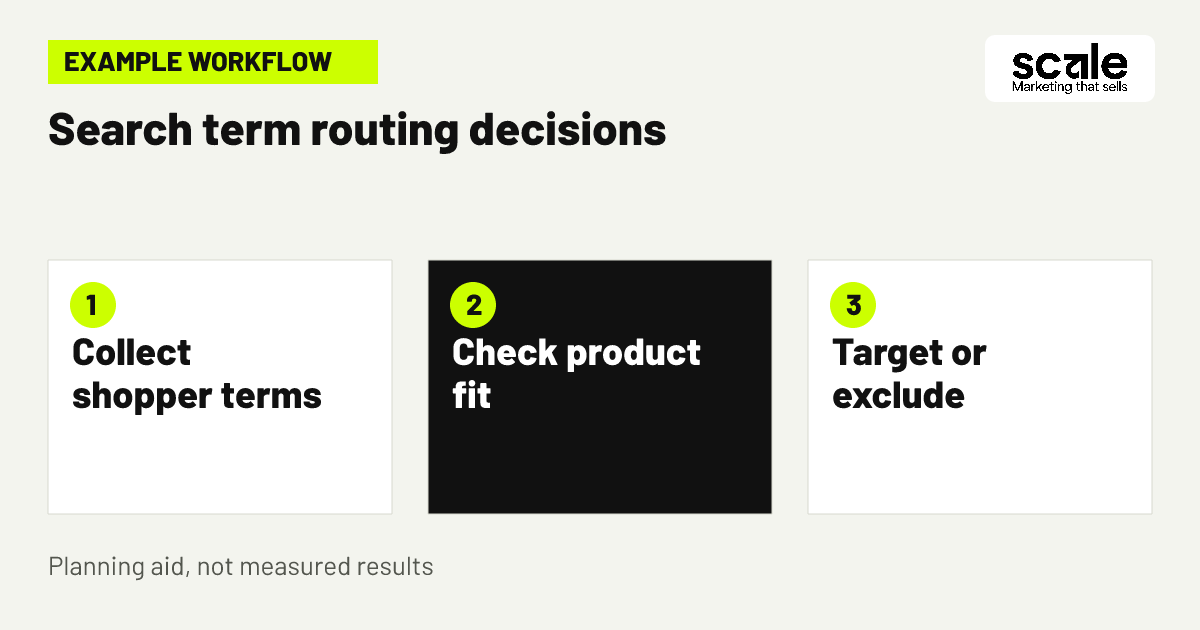
Use automatic targeting as a discovery route and manual targeting as a control route rather than expecting one campaign to do both jobs. Automatic targeting can help identify search terms and products Amazon matches to the advertised item. Manual targeting lets you select keywords or products deliberately and manage performance at the target level. Keeping these routes separate makes search term analysis easier because you can see where the traffic originated.
For a practical launch sequence, select one well-prepared product, create a contained automatic campaign, then create a manual campaign only for terms or product targets you can explain. Set an amazon advertising budget that you are prepared to monitor rather than spreading a small amount across too many items. Review delivery and search-term relevance before expanding. Amazon supports automatic, manual and negative targeting for Sponsored Products, so the decision is not whether to use every option immediately but which one answers the current question.
3. Map one product to intent before expanding spend
Example: A seller offers a replacement water filter that fits a defined range of devices. The campaign brief names the compatible device family, replacement purpose, confirmed model boundaries and the product detail page that states those limits. An automatic campaign is used to discover how shoppers describe the need. A manual campaign contains the exact compatible model terms the seller has verified, while product targets are considered only for relevant device or replacement-product pages.
The seller reviews the search-term record before adding more targets. A term describing a different filter size is not treated as a cheap opportunity merely because it generated activity; it signals a compatibility mismatch and should be excluded if it is clearly unsuitable. A term describing the verified device family may become a new manual target after the listing confirms the fit. This is an amazon sponsored products strategy based on relevance first, not on accumulating the most possible queries. Evaluate it by checking whether terms, advertised product and detail-page promise describe the same buying task.
4. Choose keyword match control based on certainty
Amazon keyword targeting should reflect how certain you are that a phrase describes the product and the shopper’s intent. Begin with highly specific terms when compatibility, size, material or pack format matters. Broader discovery can be useful when you need to learn language, but it needs a clear review plan because broad relevance may still bring buyers seeking a different product.
Maintain a target note beside each manual keyword: why it is relevant, the product fact that supports it, the match approach selected and the search-term patterns that would make you revise it. Avoid adding terms simply because they appear in competitor-facing category language. A query can be popular and still be wrong for the product. Evaluate targets by reading the actual shopper terms and checking whether a buyer landing on the page would find the expected item without reinterpretation.
5. Use product targets for meaningful comparisons
Product targeting is most useful when the advertised item offers a clear, factual reason to appear beside a similar or complementary product. That reason might be an established compatible format, a different pack configuration or a related item that a shopper reasonably compares. Do not target pages merely because they are prominent; first check that the shopper could understand why your product belongs in that consideration set.
Build a small product-targeting group around one comparison premise. Record the target product or category context, the difference your detail page communicates and the exclusion condition. If the listing does not clearly show the relevant size, contents or compatibility, improve that clarity before treating the placement as a targeting problem. Evaluate this group separately from keyword campaigns because product-page shoppers may have a different decision stage and require a different message on the landing page.
6. Set budgets as learning boundaries, not promises
An amazon advertising budget is a control for what you are willing to learn and maintain, not a prediction of sales. Allocate enough room for the campaign to receive meaningful shopper activity, but avoid funding a wide catalogue before you know which products and queries are relevant. Give priority to items that are in stock, have a clear detail page and can meet the demand you seek.
Review budget use alongside campaign purpose. If a discovery campaign consumes its available amount on vague or mismatched terms, improve exclusions and targeting before adding budget. If a focused campaign is limited while its search terms remain highly relevant and the product page is ready, it may deserve a controlled increase. Daily or lifetime budget options are available for Sponsored Products; choose the setting that matches the duration and monitoring plan for the campaign.
7. Turn search terms into documented decisions
Amazon search term analysis should happen on a schedule that fits traffic volume and your capacity to act. Export or inspect the terms that triggered ads, then classify each one as clearly relevant, potentially relevant, unsuitable, or unclear. For each term, check the shopper intent, the advertised product, the detail page and the observed engagement before changing a bid or adding a negative target.
A clearly relevant term that aligns with a useful product can become a dedicated manual keyword or product target when you need more control. An unsuitable term should become a negative keyword or negative product target when it repeatedly represents an item, use, brand, size or compatibility requirement you do not serve. An unclear term needs more diagnosis: it may be a listing-language issue, a broad interpretation of the query, or a product that should not be advertised against that need. Keep a decision log so a later review can distinguish deliberate exclusions from accidental gaps.
8. Add negative targets to protect relevance
Negative targeting is not a punishment for every term without a purchase. Use it to stop traffic that is plainly inconsistent with the product, such as incompatible models, a different product type, an unsupported use or a pack size you do not sell. This protects budget and reduces the chance that shoppers arrive expecting something the page cannot provide.
Diagnose before excluding a term that seems close. If the term describes your item but the detail page buries the answer, improve the page or move the term to a more controlled campaign. If the query is relevant only to a different variation, check whether that variation is properly represented and in stock. Evaluate negative decisions by confirming that excluded traffic was genuinely unsuitable and that valuable related terms were not unintentionally removed from discovery.
9. Align bids with the value of each target
Set bid decisions at the target level where control is available, not from a blanket assumption that every shopper is equally valuable. A precise replacement-part term, a broad category phrase and a competing product page represent different levels of certainty. Give the most deliberate attention to targets whose product fit, stock position and detail-page message you have checked carefully.
When a target gains clicks but does not lead to the desired shopper action, do not automatically lower the bid and move on. Read the search terms, inspect the listing and compare the target’s promise with the page. Lowering exposure can be appropriate for weak relevance, while a listing correction may be more appropriate for an otherwise suitable term. Evaluate the change after allowing a consistent review period and recording other changes, such as stock, pricing context or variation edits.
10. Prepare the detail page for paid traffic
PPC brings a shopper to a product detail page, so use campaign planning to identify the page questions that must be answered immediately. Confirm the product type, exact contents, material or size, compatibility limits and selected variation are consistent with the target. The title and primary images should make the core offer understandable without requiring a shopper to infer what is included.
Use campaign data as a listing diagnostic. If relevant queries receive attention but shoppers appear to hesitate, check whether the page lacks a comparison detail, uses an ambiguous image or obscures a critical limitation. Do not rewrite the page around every isolated query; update it only when the language accurately describes the product. Strong product information, availability and detail-page quality are relevant foundations for Sponsored Products activity.
11. Keep a change log that preserves learning
Record each material campaign change: date, campaign, target, old setting, new setting, reason and the evidence you expect to review. Also note listing edits, stock interruptions, price-context changes and variation updates. Without this log, several changes can occur at once and make it impossible to tell whether shopper relevance, budget availability or the detail page caused a movement.
Use one review question per change. For example, a negative target asks whether unsuitable searches stop appearing; a dedicated manual keyword asks whether a relevant query can be assessed more clearly; a listing image edit asks whether a compatibility concern is better answered. This disciplined approach is especially helpful when PPC management and marketplace support involve more than one person. Evaluate only after checking that the intended change was actually applied and that no operational issue distorted the comparison.
Marketing mistakes that blur the shopper signal
A frequent mistake is mixing automatic discovery, manual keywords, product targets and several products in one campaign. The symptom is a report with activity but no clear explanation of which target or product created it. Diagnose this by asking whether every line can be tied to one product decision and campaign purpose. If not, separate the structure before making broad bid changes.
Another mistake is treating every no-purchase search term as a negative keyword. Some terms reveal poor relevance and should be excluded, but others expose a missing listing clarification or a target that needs its own controlled group. A third mistake is raising the budget while stock is uncertain or the detail page has inaccurate content. Fix availability and offer accuracy first. Outcomes vary, so changes should follow evidence from search terms, targets and the landing product rather than a single short-term movement.
Measure relevance before judging campaign scale
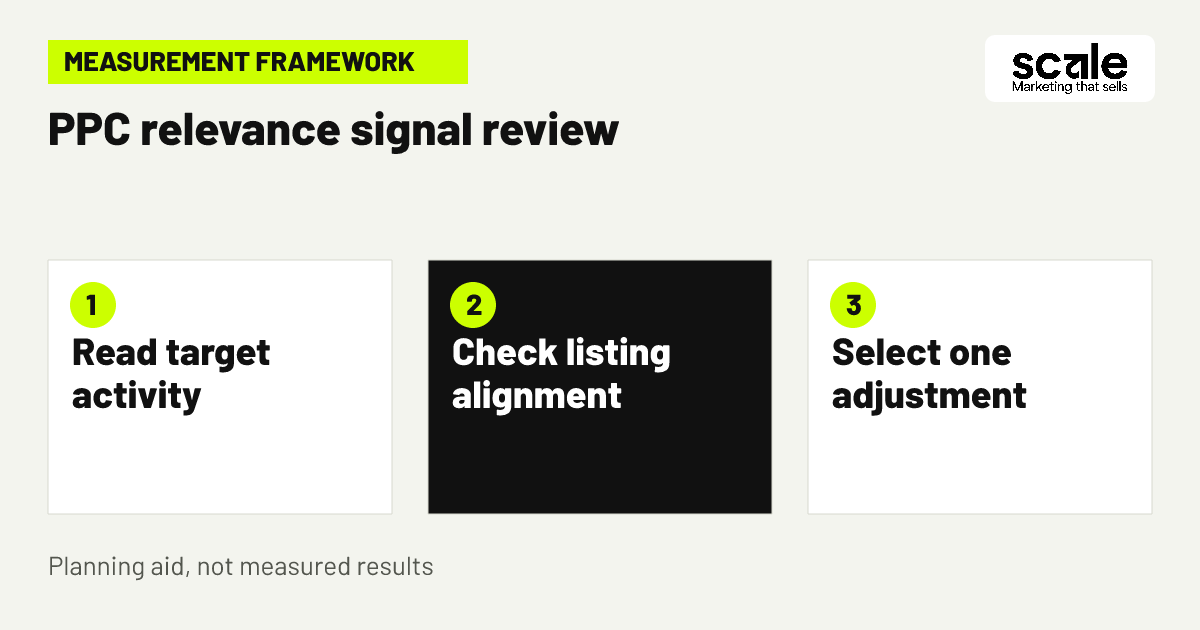
Track impressions, clicks, spend, attributed purchases where available, search terms, target-level activity and advertised-product performance. Pair campaign data with product signals: stock status, selected variation accuracy, customer questions, returns where available and recurring review themes. The point is not to chase one metric in isolation; it is to determine whether the ad is reaching a suitable shopper and whether the listing completes the product decision.
Read combinations of signals. High visibility with little engagement can mean the target is too broad or the offer is not compelling in that context. Clicks from unrelated search terms point to a targeting or exclusion decision. Relevant terms with clicks but weak downstream activity point you back to the detail page, price context, product fit or competition for the shopper’s need. Relevant terms that lead to attributed purchases may justify a more controlled manual target, provided stock and margins remain suitable.
Use a practical campaign review routine
Review urgent stock, catalogue or compatibility errors immediately. For planned optimization, review a documented period and compare it with the campaign purpose. Start with search-term relevance, then target-level activity, then detail-page fit. This order prevents a listing problem from being mislabelled as a bid problem.
Choose one next action
Add a relevant search term to a controlled target, exclude a clearly unsuitable term, improve a factual listing gap, adjust a target decision, or leave the campaign unchanged while gathering cleaner evidence. Avoid making all of these changes together.
Conclusion: make the next PPC change explainable
The practical value of amazon ppc campaign tips is not more campaign complexity. It is a structure where each product, target and budget has a clear job, search terms lead to documented decisions, and the detail page supports the expectation created by the ad. Separate discovery from control, exclude unmistakably unsuitable traffic and use listing checks to diagnose relevant traffic that does not convert.
Choose one active product today and write its campaign brief: intended shopper, buying need, verified product limits, campaign purpose, budget boundary and review signal. Then inspect its search terms and identify one decision to make, such as creating a controlled target, adding a justified negative or correcting a listing detail before expanding activity.
Related resources
Amazon Marketing · 12 Amazon Listing Optimization Tips to Improve Conversions