
How can product ads attract buyers rather than browsers?
These ecommerce google ads tips are for online retailers that want paid traffic to reach people with a plausible reason to buy, not simply increase visits. The direct answer is to connect campaign structure, product information, destination pages, and measurement to the shopper’s decision. Paid advertising is suitable when your store has accurate stock, clear shipping coverage, functioning checkout, and a way to record meaningful purchase actions. It is less suitable as a quick fix for unavailable products, unclear margins, weak product pages, or a broken purchasing path.
Before changing campaigns, confirm who owns the advertising account, product catalogue, storefront, and analytics setup. Check that advertised prices match the store, variants can be purchased, destination pages work on mobile, and orders can be attributed without exposing unnecessary customer data. Scale’s ecommerce work can connect storefront optimization, paid advertising, retention, and conversion optimization, but the useful starting point is a shared view of the products and customer journeys worth promoting.
1. Separate campaigns by the shopper’s product intent
Do not group every product into one campaign merely because the catalogue is small. Separate products by the decision a shopper is making: a precise replacement search, a branded product search, a broad category comparison, or a seasonal gift search. This gives each group a clearer budget conversation and makes it easier to see whether a product attracts suitable shoppers. A replacement filter retailer, for example, can distinguish exact model-compatible products from generic browsing terms.
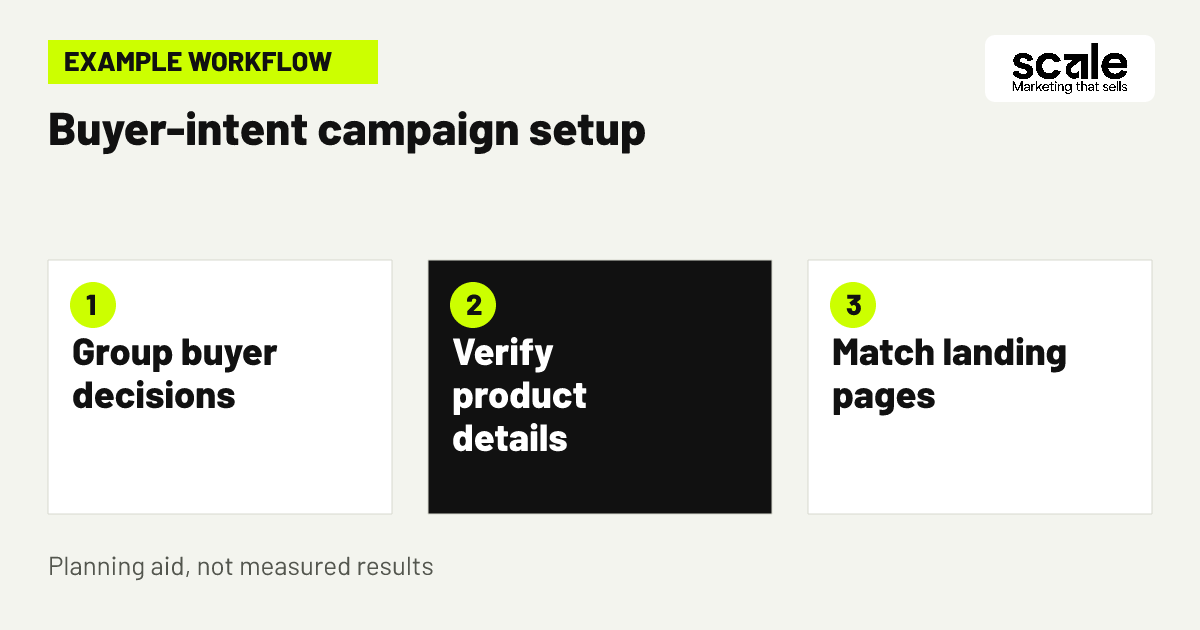
Write a campaign brief in plain language before building. It should name the product group, intended buyer, search or shopping context, shipping locations, landing destination, stock constraint, and the action that indicates commercial interest. If two groups need different messages, different exclusions, different locations, or different landing pages, they deserve separate review. If they share the same buyer decision and operational conditions, keeping them together may reduce unnecessary complexity.
2. Audit product data before asking ads to sell it
Product feed management is not a back-office task to postpone until after launch. Review the information that identifies the item and sets expectations: product title, brand where applicable, price, availability, variant, image, landing page, and relevant identifiers. Check that the feed and product page tell the same story. A shopper who sees one colour, price, or availability state in an ad and another on arrival has a reason to leave before evaluating the product.
Create an exception list for products that should not be promoted yet. Include items with uncertain inventory, incomplete images, missing variant detail, temporary fulfilment restrictions, or a destination page that does not load properly. Fix high-priority catalogue fields at the source rather than manually correcting ad text every time. This makes later merchandising updates more dependable and supports consistent shopping ads optimization.
What belongs in a practical feed review?
Review titles for buyer language first, then verify factual details. A title should make the product type and meaningful distinguishing attributes understandable without cramming in every possible phrase. For apparel, colour, size range, or material may matter. For parts, model compatibility may matter more. The right detail is the detail that prevents a shopper from mistaking the item for another one.
Check destination-page continuity
Open representative product links on a phone and desktop. Confirm that the selected item is purchasable, essential choices are clear, the price is current, and shipping or return information is easy to find. Record the defect, owner, and correction rather than treating a destination mismatch as an unexplained campaign issue.
3. Test one focused product group before broad expansion
Example: A homeware retailer wants to promote both ready-to-ship table lamps and made-to-order fixtures. It begins with the ready-to-ship collection because product availability, delivery details, and product pages are more consistent. The team creates a brief defining the buyer need, confirms the locations it can serve, reviews product titles and images, and sends each product group to the most relevant collection or product page.
The retailer sets a limited test budget and a review date rather than treating the first activity as proof that every category should receive more spend. During the review, it checks whether products remained available, whether the ads led to relevant pages, whether carts and purchases were recorded, and whether search queries or destinations reveal confusion. Only after correcting clear defects does it decide whether to expand the same approach to the made-to-order range.
4. Match Shopping titles and images to a buying decision
Shopping ads optimization starts with helping a shopper recognise the correct product quickly. Use product titles that accurately describe what is sold, not vague promotional language. Lead with the product type and add the differentiator that matters in that category, such as compatible model, size, material, capacity, or pack format. Keep terms consistent with the destination page so the visit confirms, rather than restarts, the buying decision.
Use images that clearly show the item being sold and its relevant variation. A lifestyle image can support a product choice, but it should not obscure the product, colour, bundle contents, or scale. Review products with frequent returns, customer questions, or low cart progression for signs that titles or images are creating the wrong expectation. Correcting the listing may be more valuable than writing more persuasive advertising copy.
5. Use exclusions to protect relevance without blocking demand
Search campaigns need a regular query review because product language can overlap with information-seeking, repair, employment, free-sample, or unrelated searches. Add negative keywords when a term repeatedly represents a customer need your store does not serve. A retailer selling new kitchen appliances, for instance, may exclude repair-related queries if it does not provide parts or servicing. The goal is not to exclude every broad term; it is to remove clearly mismatched intent.
Choose exclusions carefully and document why each one exists. Negative keywords may not cover close variations automatically, so review actual queries and consider singular, plural, or synonymous forms where they create the same mismatch. If relevant searches disappear after a change, inspect the exclusion before assuming demand has fallen. Google Ads describes negative keywords as a way to exclude unwanted search terms, while also noting that overuse can narrow reach.
6. Target the places where orders can actually be fulfilled
Set locations based on where the store can sell and deliver, not simply where the business is based. Check shipping regions, product restrictions, language, currency, return handling, and delivery promises before including a country, region, or city. A retailer that ships only within selected areas should not let paid traffic imply wider availability. For stores with regional stock differences, separate the operationally distinct areas when the product assortment or landing message changes.
Location signals are not perfect, so review performance alongside actual order eligibility and customer enquiries. If a location produces interest but customers cannot complete suitable orders because of shipping limits, correct targeting or the destination explanation. Google Ads location targeting can use countries, areas, and radius options, and its guidance stresses targeting the places where customers can be served.
7. Send each click to the page that resolves its question
A paid click has more value when the page immediately confirms the product, category, or offer implied by the ad. Send a precise product message to that product page when a shopper can make a direct choice there. Send a comparison-minded shopper to a filtered collection only when the collection makes comparison easier. Avoid routing all traffic to the homepage, where the buyer must repeat the search and may lose confidence that the store carries the item.
Review mobile landing pages as part of ecommerce paid advertising, not as a separate web project. Check page speed in ordinary use, visible price and availability, variant controls, delivery information, and the cart action. If there are many ad clicks but few product interactions, compare the ad wording, feed data, and first screen of the landing page. The mismatch may be relevance, not a lack of demand.
8. Use bids and schedules only after checking the campaign type
Do not assume every campaign permits the same manual controls or that a bid change is the right response to every signal. First identify the campaign type and bid strategy, then check which controls are currently available in the account. Manual bid adjustments can affect how often eligible ads show by device, location, or schedule in supported campaign types, while automated bidding may not use those manual changes in the same way.
Use a practical decision rule. If mobile traffic reaches product pages but the purchase path is unusable on phones, repair the page before trying to buy more mobile exposure. If a region cannot be served, exclude it instead of lowering bids. If orders can only be handled during certain periods, check scheduling settings and operational capacity. Changes should reflect a verified constraint, not an assumption based on a short reporting window.
9. Define a controlled rule for increasing ad spend
A small test is useful only when the team agrees on what it is testing and what would change the decision. State the product group, audience or location, destination, budget boundary, review period, tracking checks, and stop conditions. For example, a store may test a collection only while products stay in stock and purchase events continue to match order records. This avoids expanding activity after a burst of low-quality visits.
Google Ads return on ad spend can help compare advertising value with advertising cost, but it is not a standalone instruction to scale. Check how conversion value is defined, whether refunds or cancellations are considered in the store’s review process, and whether one high-value order is distorting a small data set. Compare that measure with product availability, margin considerations held internally, cart behaviour, and customer suitability before making a budget decision.
Use a simple test record
A useful record names the hypothesis, products included, campaign settings changed, destination pages, exclusions, locations, launch date, quality checks, and next review action. Keep one variable central when possible. If titles, destinations, targeting, and spend all change together, the team may see movement but will not know which decision to repeat.
10. Reconcile ad reporting with store and checkout reality
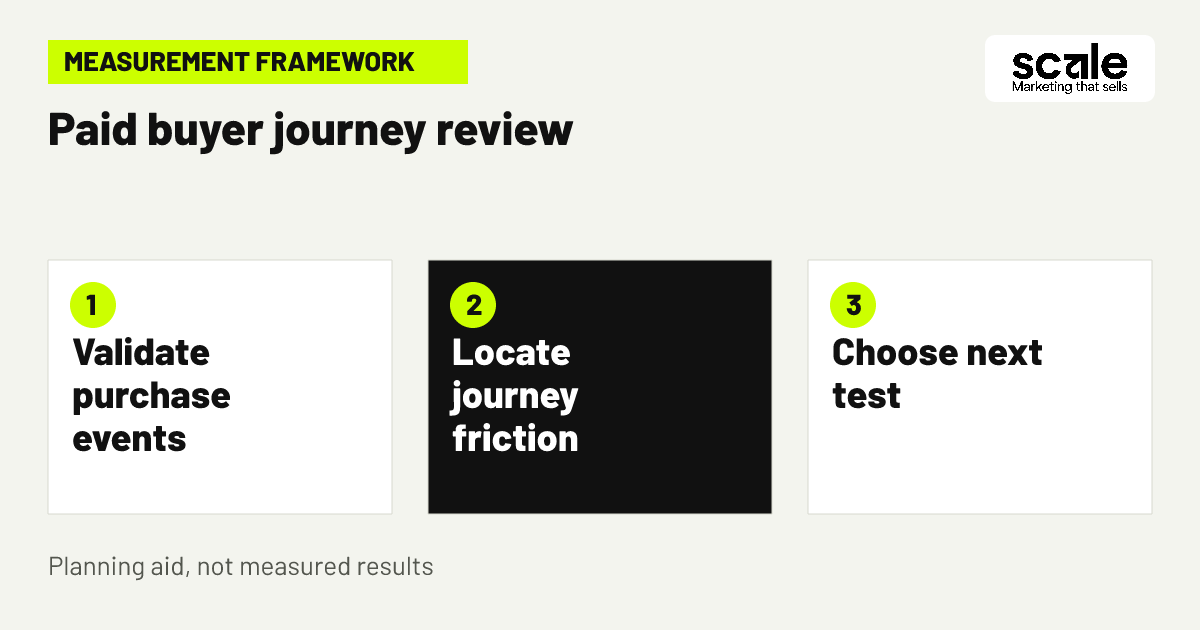
Paid media reports should be checked against the store, not viewed in isolation. Confirm that recorded purchase events correspond to genuine orders and that duplicated events, test orders, refunds, or payment failures are understood. Review the journey from ad click to product view, cart, checkout, and purchase. An apparent advertising problem may actually be a stock outage, a checkout error, an unavailable payment method, or a product option that cannot be selected.
Give each product group an owner for operational feedback. That person should flag low stock, discontinued variants, shipping changes, and recurring customer objections before advertising continues unchanged. This feedback loop protects budget and makes advertising claims more accurate. It also identifies when conversion optimization on the storefront should precede further campaign expansion.
11. Turn buyer questions into new campaign and page improvements
The most useful optimisation ideas often come from repeated buyer uncertainty. Collect questions from product enquiries, return reasons, store search terms, and on-page behaviour where your privacy practices permit review. Group them into categories such as compatibility, sizing, delivery, materials, included items, or use. Then decide whether the answer belongs in feed data, an ad message, a product page, a collection filter, or a customer follow-up process.
For example, if shoppers repeatedly ask whether a storage product includes mounting hardware, update the product page and feed details after verifying the answer. If the question is too nuanced for a short listing, use the ad to lead to a page that explains it clearly. Measure whether the corrected page produces healthier progression to cart and checkout before rolling the approach across unrelated categories.
Marketing mistakes that make product advertising harder to improve
A common mistake is judging ecommerce campaigns by click volume while ignoring the buyer journey. Diagnose this by checking the earliest point where relevant visitors stop: the ad, landing page, product option, cart, checkout, or payment stage. Another mistake is launching with every catalogue item despite uneven stock, weak images, or incomplete product detail. Start with a dependable group so the team can distinguish advertising signals from catalogue defects.
Avoid copying campaign settings between product lines without checking intent and fulfilment. A broad category, a precise replacement part, and a made-to-order item each create different questions. Also avoid changing budgets, feed data, landing pages, and exclusions at the same time. When too many variables move, future decisions become guesses. Keep a change log and reverse changes that create a verified relevance or purchasing problem.
Which metrics show whether paid ads are attracting buyers?
Measure a sequence rather than one headline number: eligible impressions where available, clicks, product-page views, add-to-cart actions, checkout starts, purchases, order value, and the relationship between advertising cost and the conversion value your store records. Segment reports by product group, device, location, destination page, and campaign intent when there is enough activity to make the comparison meaningful. Define each event before reviewing trends so the same shopper action is being compared over time.
Interpret signals as prompts for action. Clicks with weak product-page engagement can indicate a misleading query, listing, or destination. Product views with weak cart activity can indicate unclear price, variants, delivery, or product information. Carts with weak purchase completion shift attention toward checkout and payment. Strong purchase recording but poor order quality requires reviewing targeting, cancellation patterns, and product expectations. Verify event firing and order records before drawing a campaign conclusion.
Conclusion: build buyer-focused ecommerce advertising in a controlled order
The strongest ecommerce google ads tips are connected decisions, not isolated account tweaks: promote reliable products, describe them accurately, separate distinct buyer intent, send shoppers to a useful page, and scale only after the purchase path is verified. Start with one product group that has dependable stock and a clear buyer question. Audit its feed and landing page, set a limited test with a written review rule, then use the earliest reliable journey signal to choose the next improvement.
Related resources
Ecommerce · 12 Ecommerce Product Page Tips to Increase Store Conversions